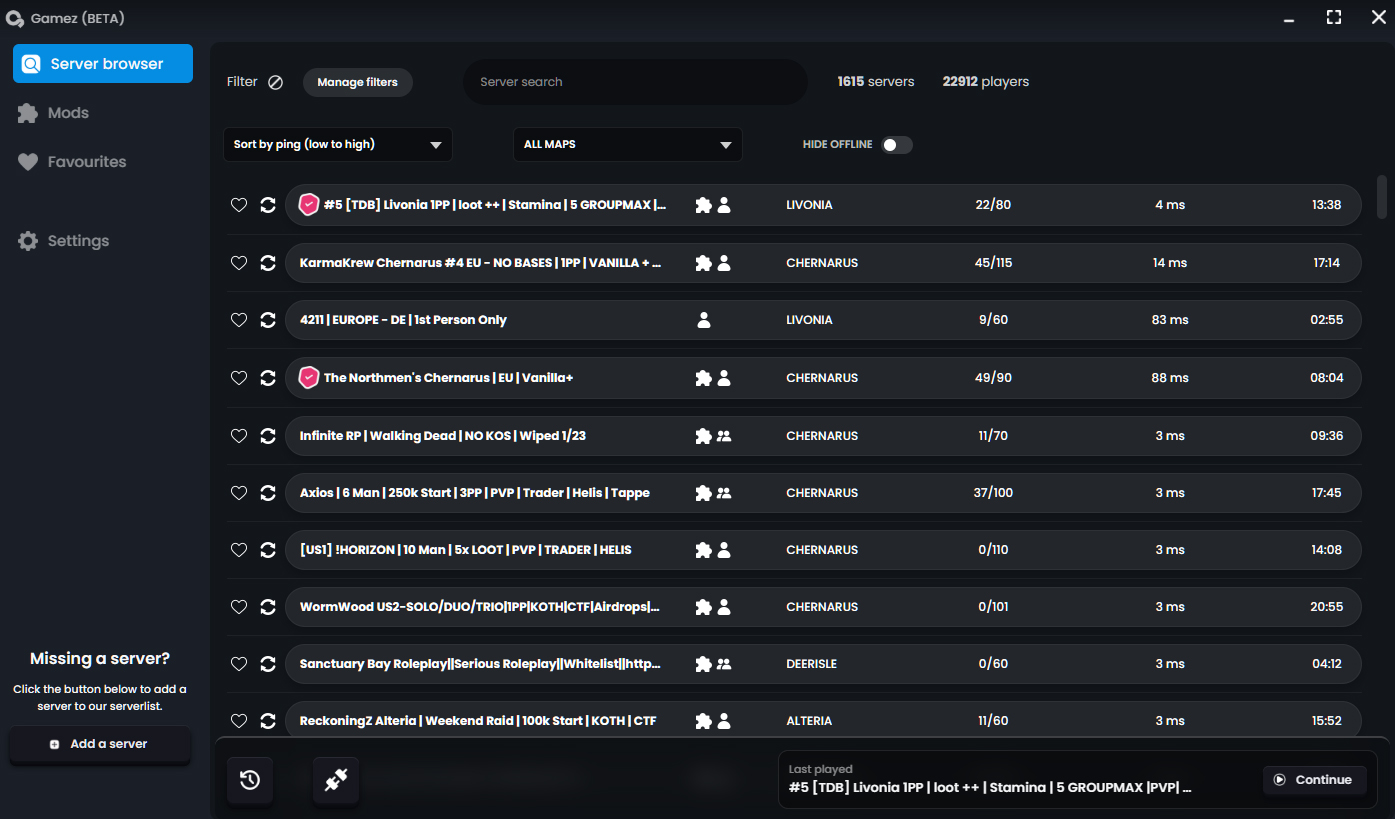
The ultimate Dayz Standalone server browser & launcher
Gamez Browser
Open beta
0.6.20
for Windows
Download now
Windows smart screen warning
Reasons to 🤍 gamez
Fast & light-weight
It´s light-weight, only 15 mb and doesn´t really need any minimum hardware requirements. You could basically run this on a calculator (almost).
Easy mod-management
Don´t let unused mods take up valuable storage space on your PC. With the built in mod-management system you will be able to manage your mods with ease.
Queue info
Be informed if and how big a queue to a server is before joining, saving valuable time and making decisions easier.
Easy favourites
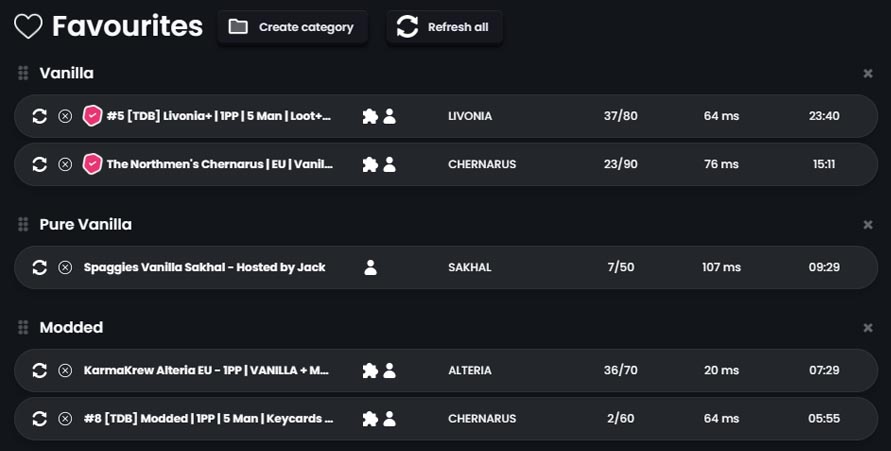
Add, remove and handle your favourites with categories and with ease. Drag and drop sorting makes it easy to never lose your favourite servers.
Easy server share
You don´t have to try and spell a servername to your friends. Just send them the server-id and have them search for that. No longer will your party join the wrong servers accidentally.
Stronger together
With an active community that together with us develop and update the launcher to get it to where we all want it to be. Regular monthly updates makes sure that the launcher stays updated and having the functions we all want.
And much much more...
Read more about all the features
★ Highlighted feature
Verified server’s
Makes it easier for you to join the real servers
Hinders impostor servers to steal your time
Helps the community keep safe
Prevents bad actors from stealing your information
With a robust verification system, it becomes easier for you as a user to identify which servers are legitimate, while preventing impostor servers from wasting your time — or potentially even stealing your information. Feel confident knowing that the server you want to join actually belongs to the community it claims to represent.
★ Highlighted feature
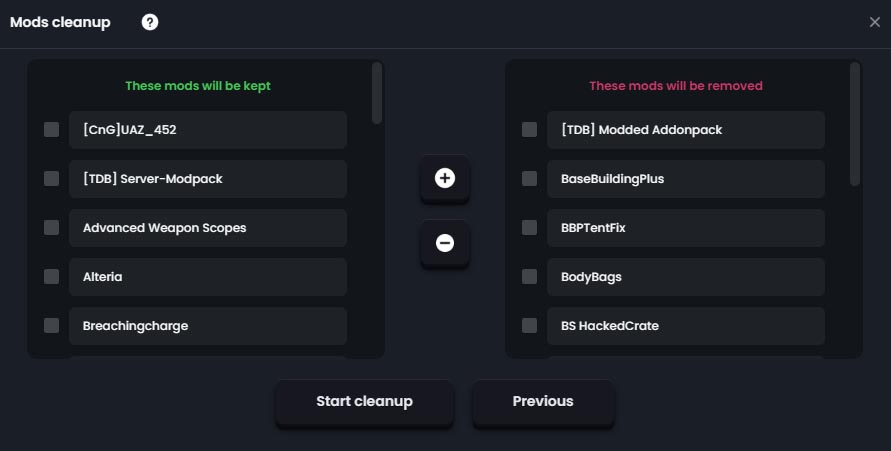
Automatic mod cleanup
Free up space on your system
Only keep mods from your favourite servers
Remove unused mods
Helps reduce lag and loading times
With the automatic Cleanup feature, you select the favourite servers whose mods you want to keep on your system. All other mods that are not used by the selected servers will be deleted and unsubscribed from the Steam Workshop. This helps free up storage space on your system, prevents conflicts between mods, and improves in-game performance.
★ Highlighted feature
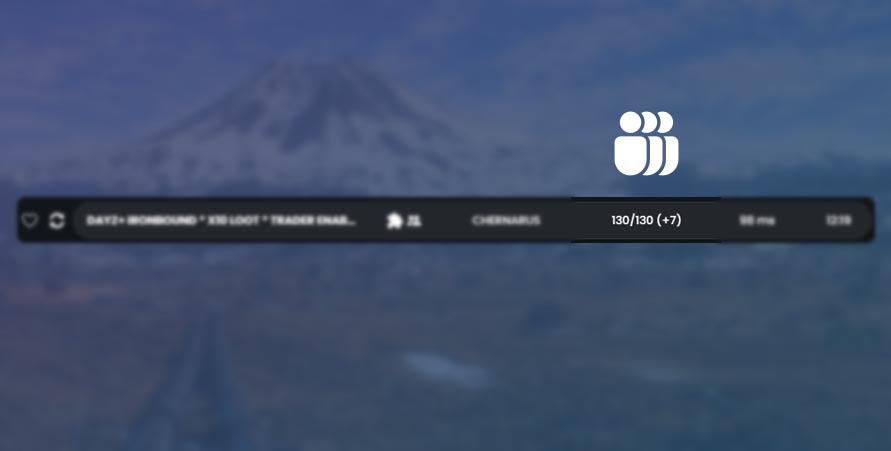
Show queue size before joining
Don´t waste time sitting in long queues
Decide before launching the game
Real time update
With Gamez Browser, you can see the size of a server’s queue in real time. This makes it easier for you to decide when you want to join a server and wait in queue. You may want to join the queue as early as possible, or perhaps wait until it becomes shorter. Either way, the decision becomes easier with Gamez Browser.
★ Highlighted feature
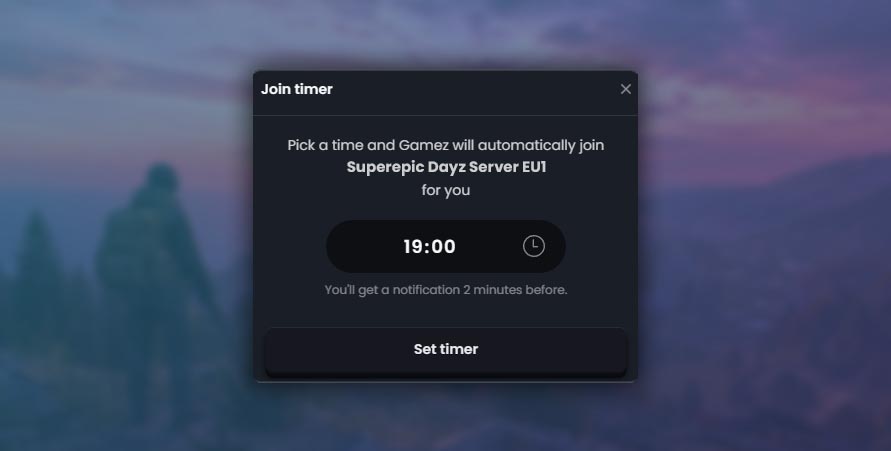
Automatic join timer
Set a time to join a server
Make sure to be one of the first to join efter a restart
Join a server at a time when it suites you
Choose a time that suits you for joining a server. Maybe you want to make sure you are one of the first players to join after a server restart, or perhaps you want to automatically join a server as soon as you get home from work or school. With Gamez Browser, it’s easy.
★ Highlighted feature
Easy to organize your favourites
Categorize and organize your favourites
Drag and drop organizing
Create categories however you like, by name, genre, style - anything
Organize your favourites easily by creating categories. Name your categories however you like — by name, genre, playstyle, vanilla, modded, or anything else you prefer. With simple drag-and-drop organization, you can also move your favourite servers between different categories. With Gamez Browser, keeping track of your favourite servers becomes much easier.
With an active user base that constantly gives feedback about features, functions and UI we all together helps developing Gamez browser. So if you have any feedback, ideas, suggestions or critique - join our Discord today!